

Latest Version
Bilal Elmoussaoui
Health
Linux
Free
com.belmoussaoui.Authenticator
Report a Problem
More About Authenticator
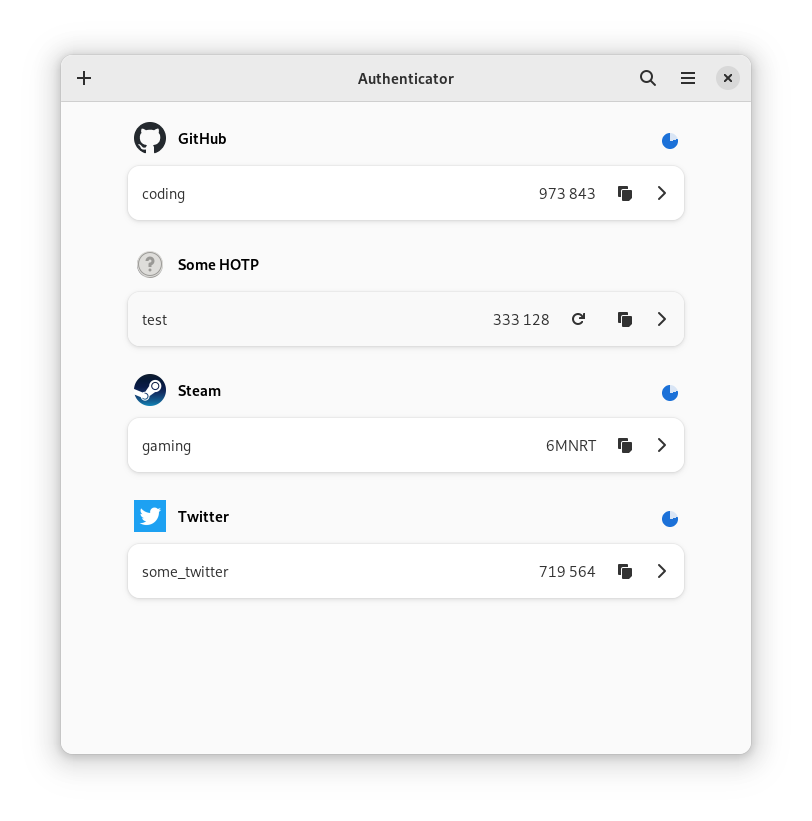
Managing digital security on desktop environments requires tools that are both highly secure and seamlessly integrated into your workflow. The Authenticator two-factor code generator by Bilal Elmoussaoui is a premier open-source utility built specifically for the Linux platform, offering a refined desktop experience for managing your multi-factor authentication (MFA) tokens.
A Native Desktop Experience for Two-Factor Verification
Unlike mobile-first solutions that force you to reach for your phone every time you log into a secure service, this desktop application brings your verification codes directly to your Linux workstation. The user interface is exceptionally clean, matching modern desktop design paradigms and providing a distraction-free environment for organizing your security keys.
Advanced Algorithm Support & Customization
Security protocols vary across corporate and personal services. The Authenticator two-factor code generator adapts to these varying requirements by supporting a wide array of configurations:
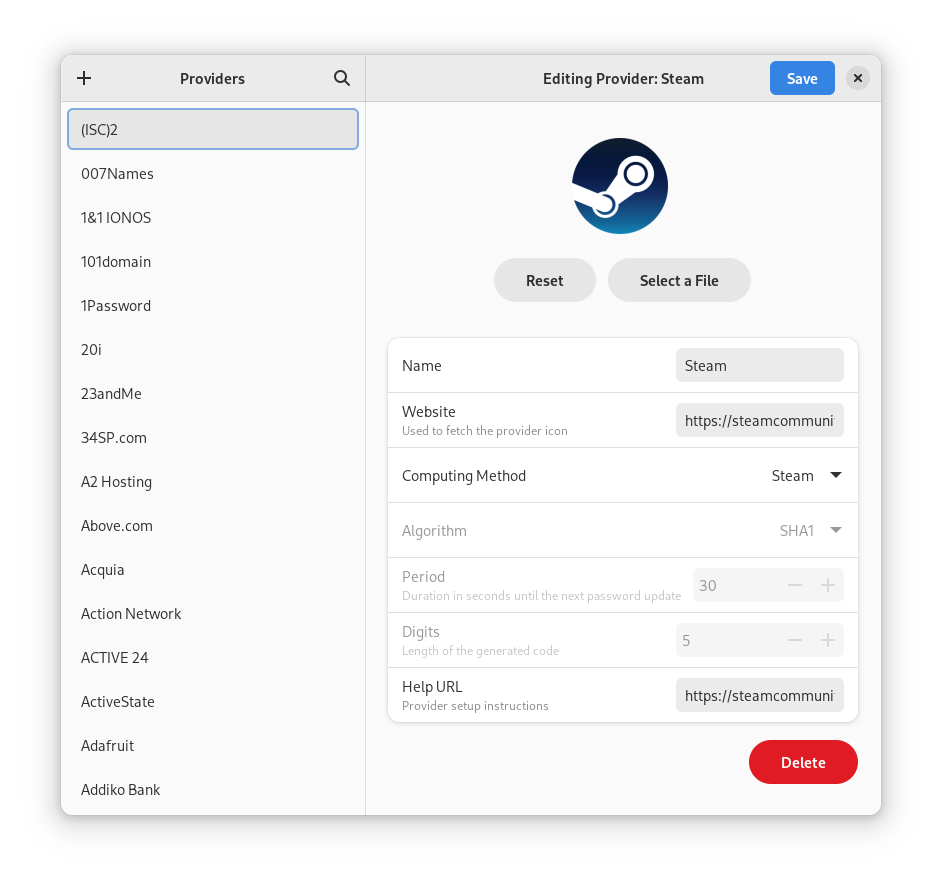
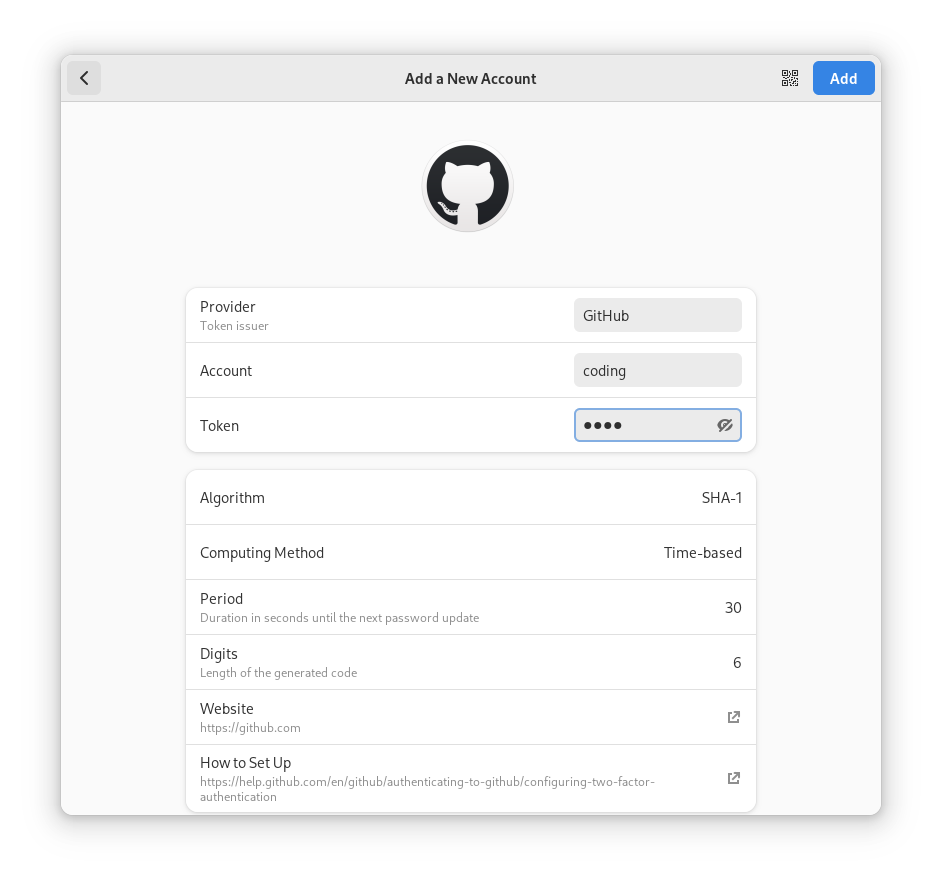
- Flexible Generation Methods: Full compatibility with Time-based (TOTP), Counter-based (HOTP), and Steam-specific authentication methods.
- Robust Cryptography: Support for industry-standard hashing algorithms, including SHA-1, SHA-256, and SHA-512.
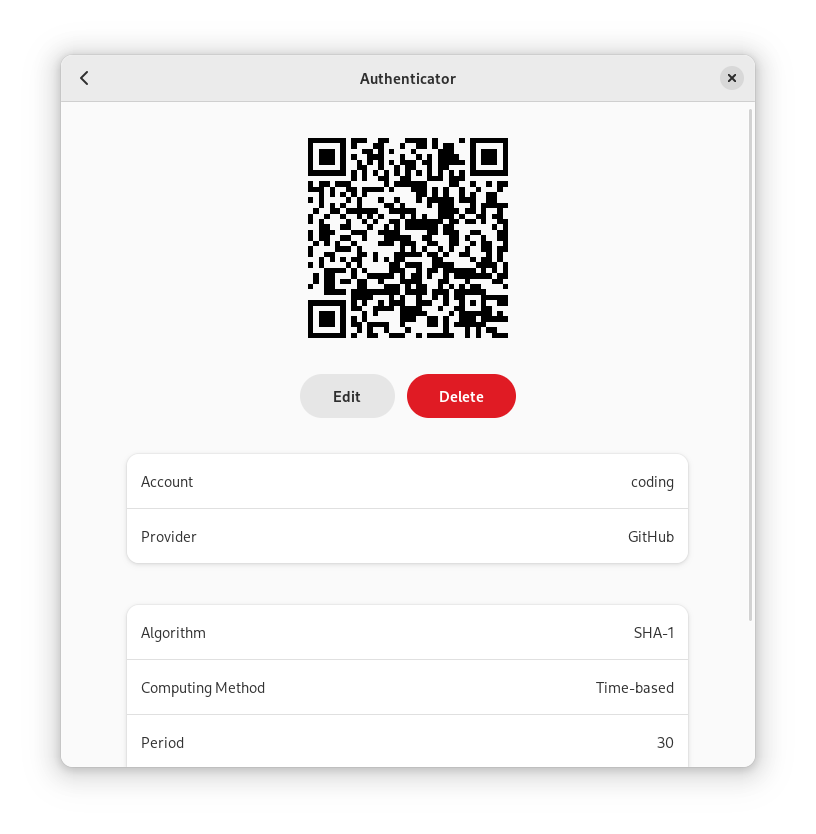
- Quick Account Adding: Utilize your system's camera to scan QR codes instantly, or upload a screenshot of a QR code directly into the app.
Desktop Integration and Security Controls
This utility goes beyond simple code generation by integrating deeply with the GNOME desktop environment. With its built-in GNOME Shell search provider, you can look up your active authentication codes directly from your desktop search overview without manually opening the main interface.
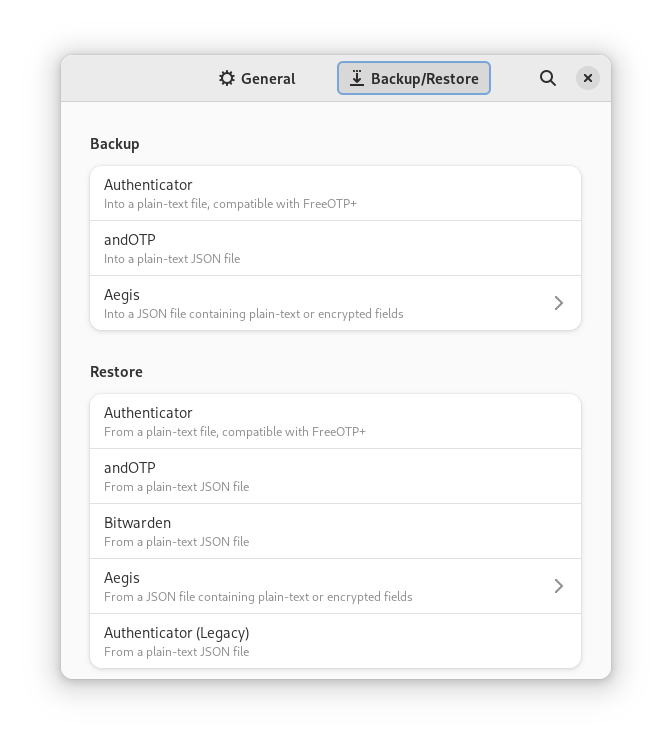
To protect your sensitive credentials from local snooping, the application features a robust local lock screen, allowing you to secure all stored tokens behind a master password. Additionally, migrating to or from other platforms is incredibly straightforward. The app supports secure backup and restoration pipelines for popular formats like FreeOTP+, Aegis (both encrypted and plain-text), andOTP, and Google Authenticator.
Is This Security Utility Right for You?
If you spend your workday on a Linux machine and want to streamline your login workflows without compromising on security, this application is an invaluable addition to your toolkit. It eliminates the friction of physical token devices and mobile apps while keeping your secret keys encrypted and local.
To explore this utility further or to add it to your workstation, head over to the official Flathub store page to view installation details and community documentation.
Rate the App
User Reviews















Popular Apps










Editor's Choice