Latest Version
idea4good
Health
Windows
Free
9mzmqfhv0t62
Report a Problem
More About Patient Monitor
A Hands-On Look at the Patient Monitor Simulation
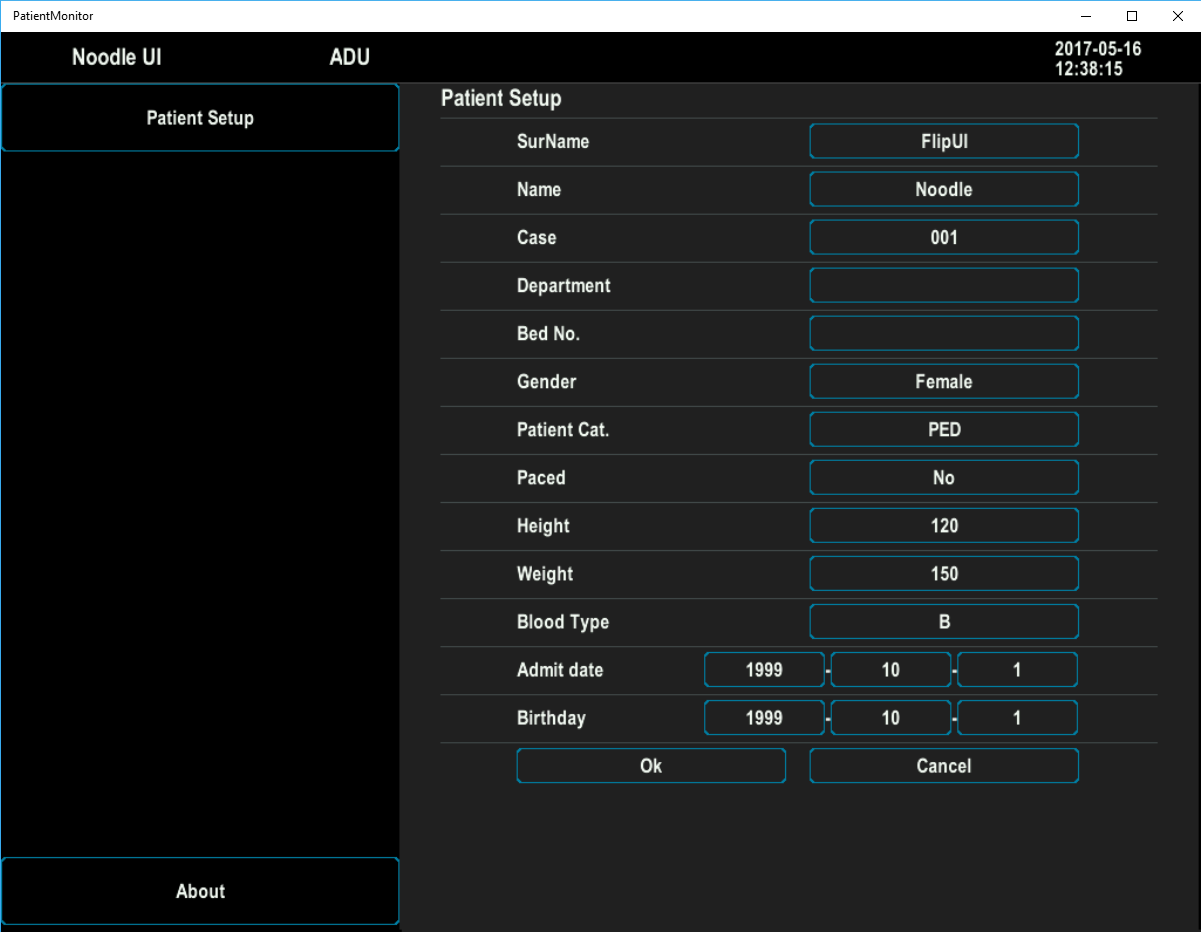
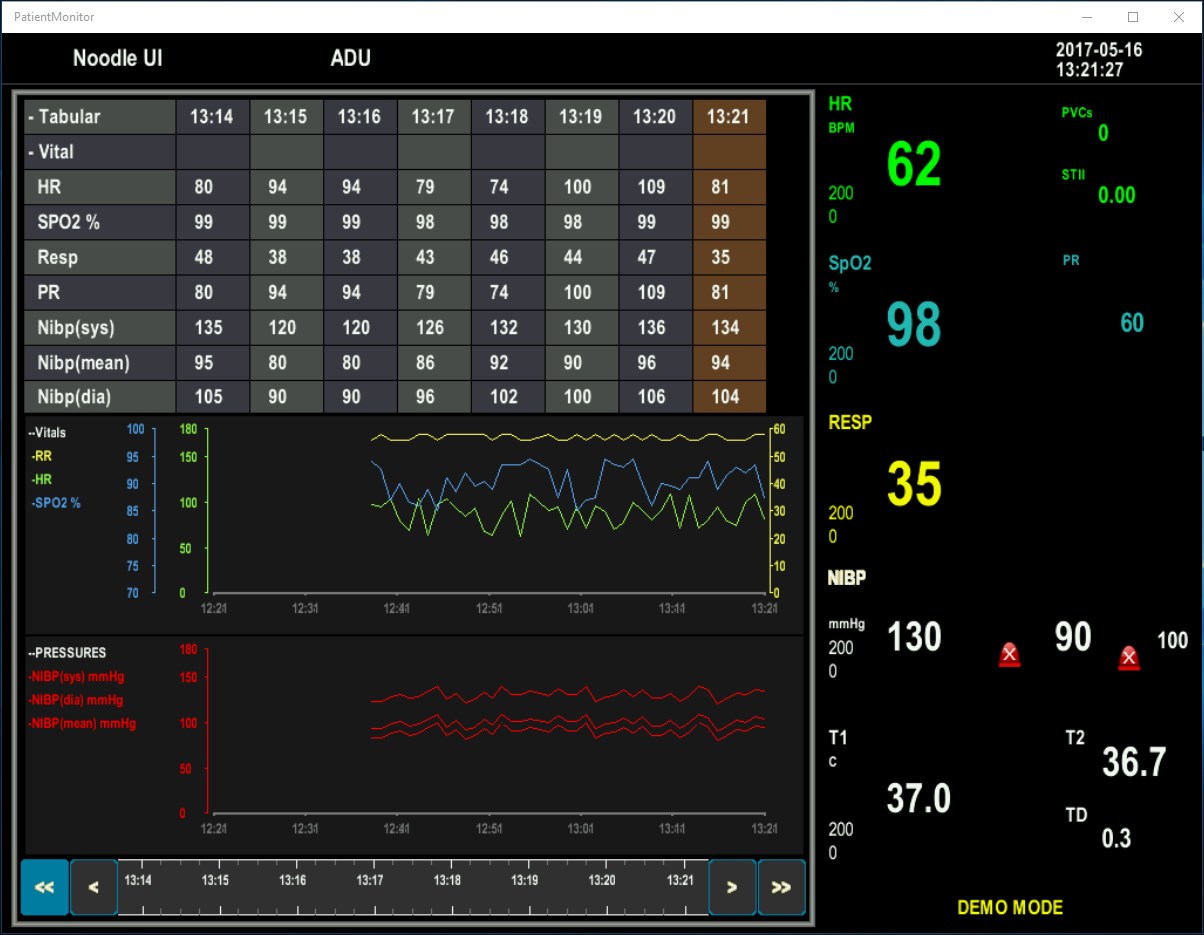
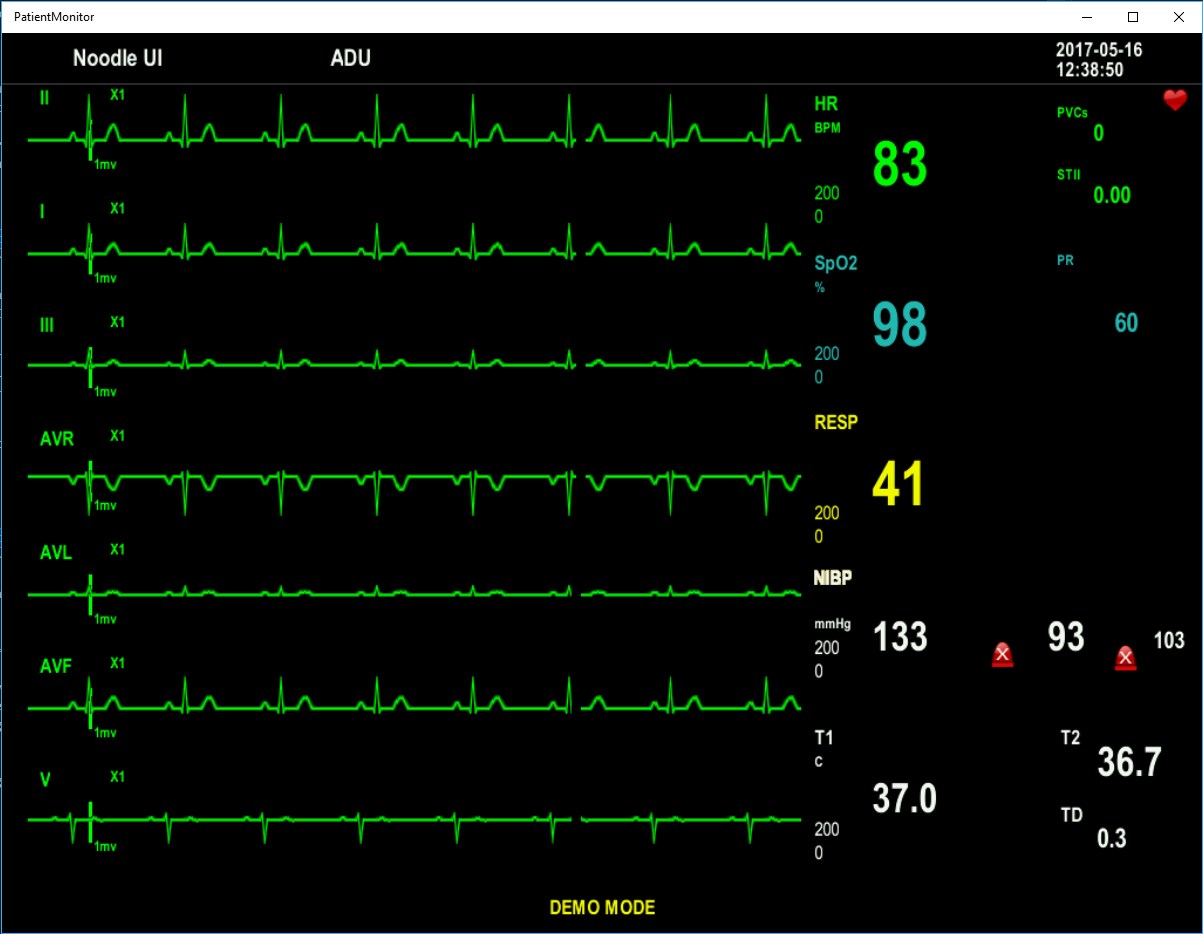
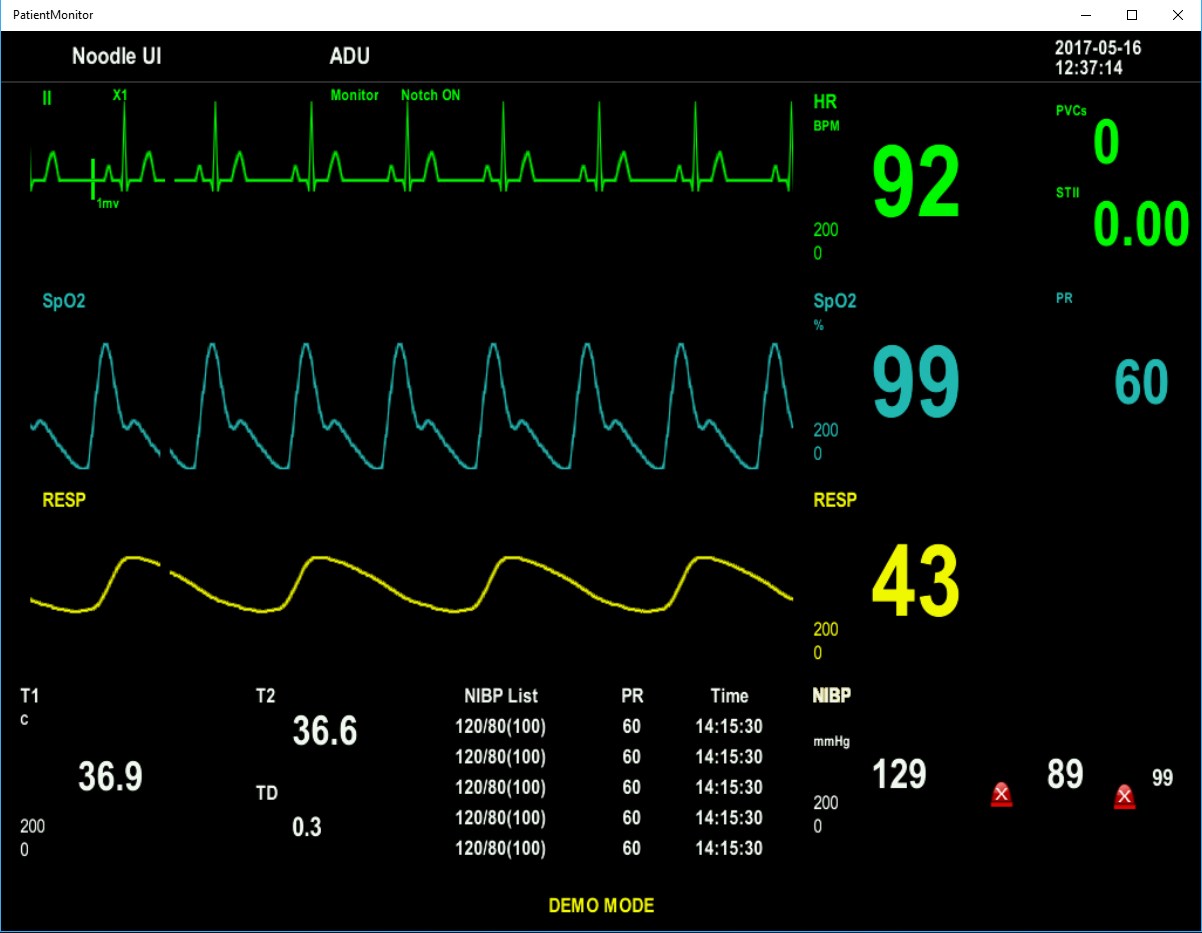
Stepping into the world of medical simulation software, the Patient Monitor simulation tool by idea4good offers a specialized glimpse into clinical tracking interfaces. Designed specifically for the Windows platform, this lightweight application serves as a functional demonstration of how vital sign tracking software translates across different modern screen configurations and hardware setups. Rather than acting as a live diagnostic utility, it acts as a conceptual sandbox for students, developers, and healthcare technology enthusiasts.
Exploring the Interface and Flip Mode
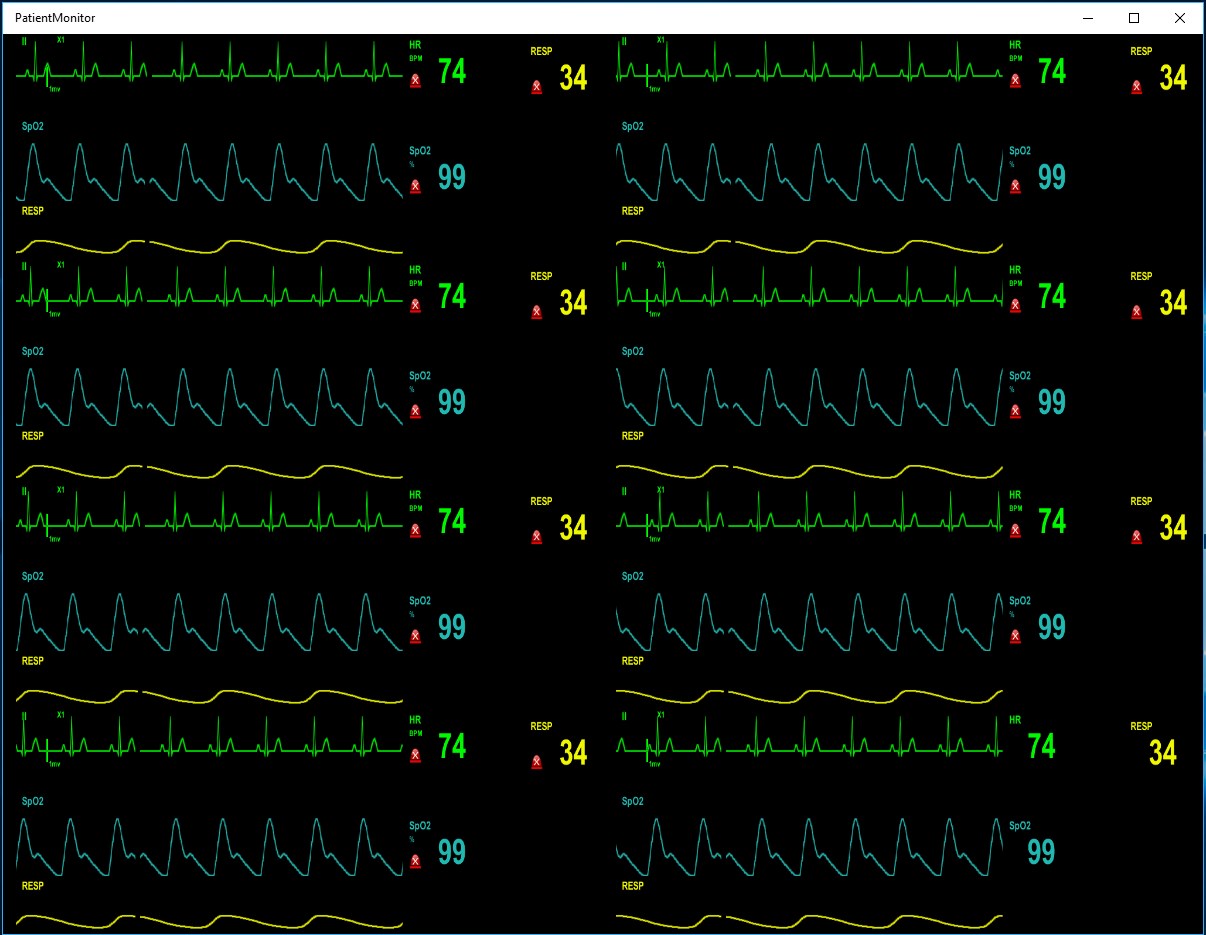
One of the primary highlights of the Patient Monitor simulation tool is its dedicated flip mode. This feature demonstrates how a standard clinical dashboard adapts when the display orientation changes, making it highly relevant for hybrid tablets, convertible laptops, and rotating medical displays. The transition is smooth, showcasing how critical data fields can rearrange themselves to maintain readability in both portrait and landscape views.
Bridging Windows Desktop and Mixed Reality
Beyond traditional flat screens, this application provides a conceptual demonstration of how a Patient Monitor simulation tool behaves when projected into a mixed reality environment. As medical training increasingly moves toward spatial computing and virtual simulations, seeing how vital tracking layouts scale and render on mixed reality headsets is incredibly valuable. It offers a clear blueprint for developers aiming to build immersive training environments for future healthcare professionals.
Key Features and Technical Highlights
- Responsive Flip Mode: Test how patient vitals and waveforms shift dynamically between different screen orientations.
- Cross-Device Adaptability: Designed to showcase UI performance on standard Windows desktops as well as immersive mixed reality hardware.
- Clean Visual Layout: Emulates the high-contrast, easy-to-read grids typical of modern intensive care unit (ICU) monitors.
- Lightweight Footprint: Runs efficiently on Windows without demanding heavy system resources.
Who Is This Demo For?
Since this is a conceptual demo, it is best suited for interface designers, medical educators, and software students who want to study responsive UI layouts in the health sector. It provides a straightforward, no-nonsense visual reference without the setup complexity of enterprise-level medical software. If you are interested in exploring this interface design first-hand, you can find the application available on the official Microsoft Store.
Rate the App
User Reviews













Popular Apps








Editor's Choice