
Latest Version
ANTARA SOFTWARE and CONSULTING PRIVATE LIMITED
Health
Windows
Free
9wzdncrfj9xg
Report a Problem
More About Alarm Clock HD
The Ultimate Morning Solution for Windows Users
Imagine waking up to the gentle hum of your favorite local radio station, accompanied by a bright display showing your local weather forecast and the morning's top news headlines. For many of us, the standard, jarring alarm tone on our mobile devices is an unpleasant way to start the day. Alarm Clock HD for Windows offers a sophisticated alternative, transforming your PC or tablet into a fully customized desktop media hub designed to ease you into your morning routine.
What is the Alarm Clock HD App?
Developed by ANTARA SOFTWARE and CONSULTING PRIVATE LIMITED, Alarm Clock HD is a comprehensive multimedia application designed specifically for the Windows platform. Categorized under health and wellness utilities, it goes far beyond the capabilities of a standard timekeeper. It merges essential time-management tools with live information feeds and media playback to create a personalized bedside companion.
Key Features of Alarm Clock HD
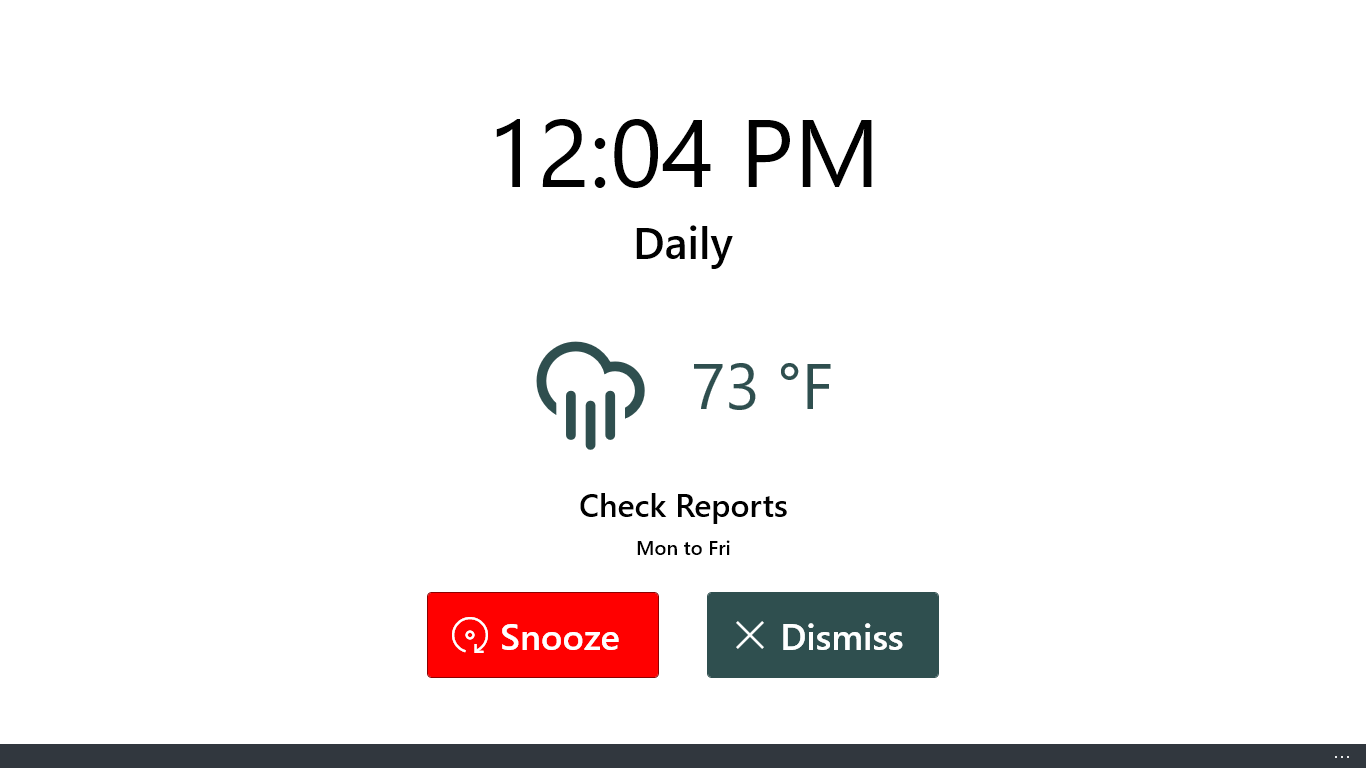
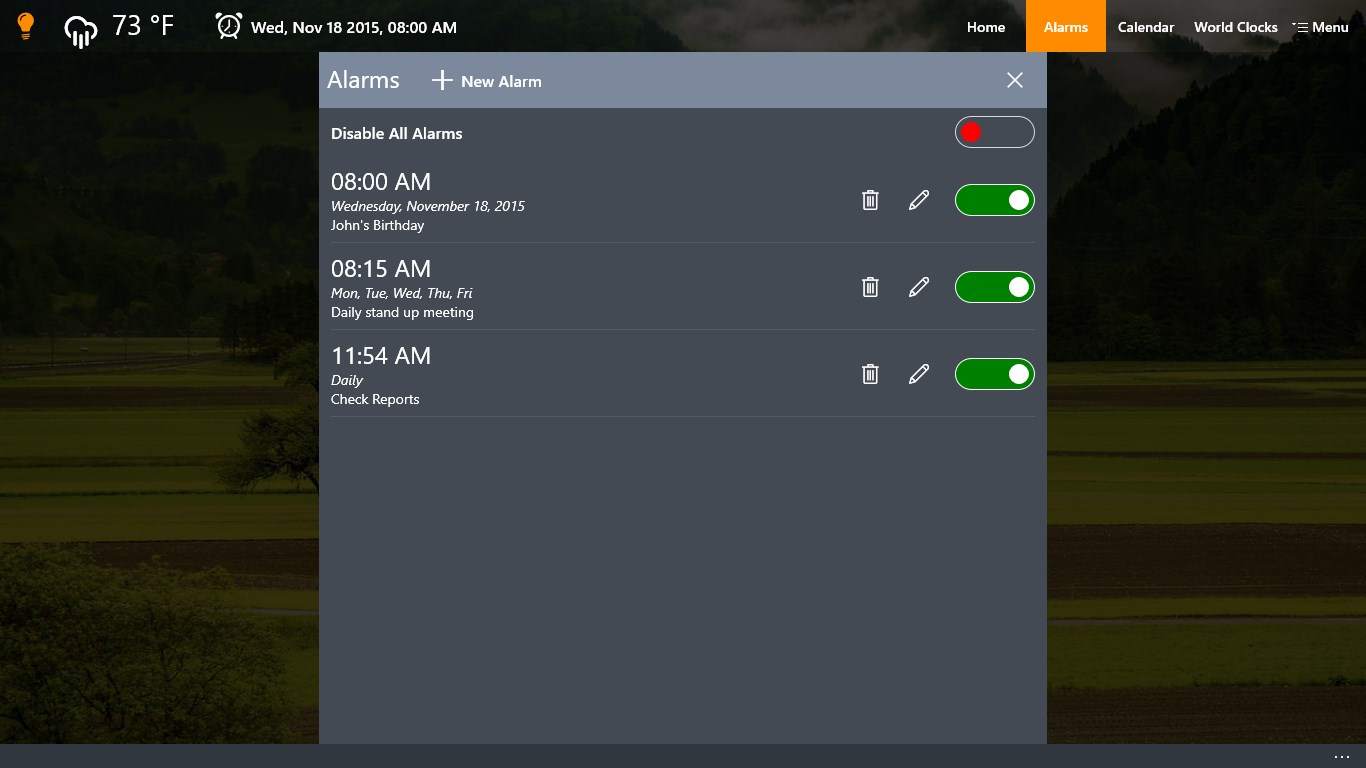
- Versatile Wake-Up Options: Wake up to built-in system sounds, custom audio files, or live radio streams.
- Device Wake Support: The app is capable of waking your device from sleep mode (on supported hardware configurations) to ensure you never miss an appointment.
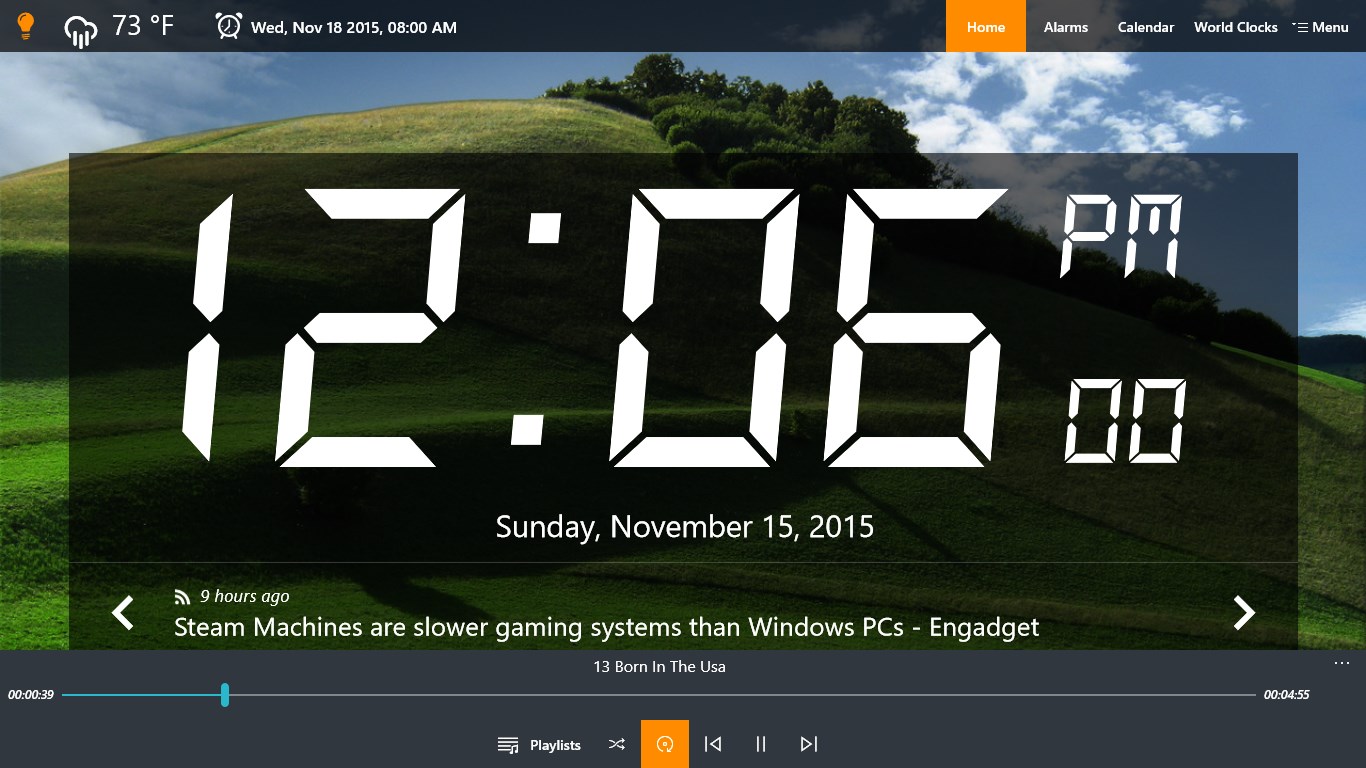
- Integrated Media Center: Listen to your favorite tracks with the built-in music player or fall asleep peacefully using the dedicated sleep timer.
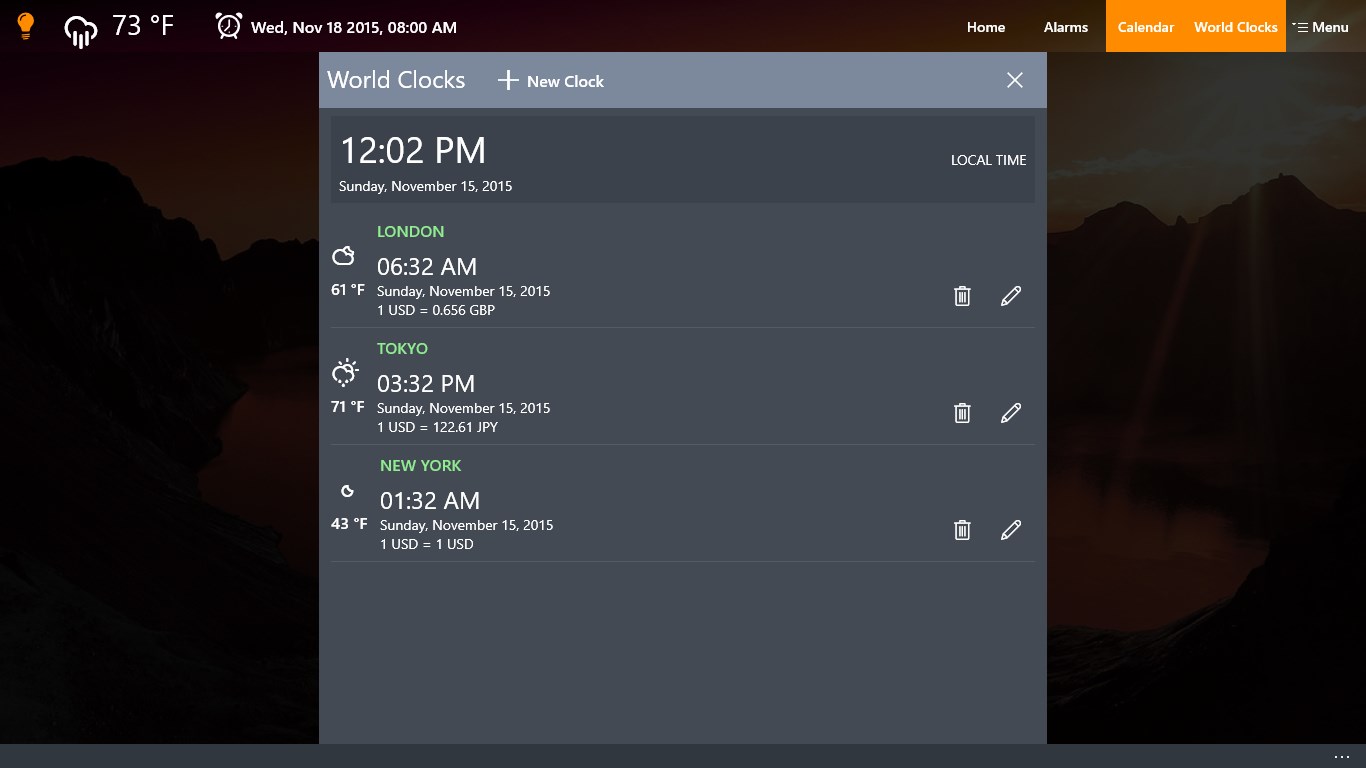
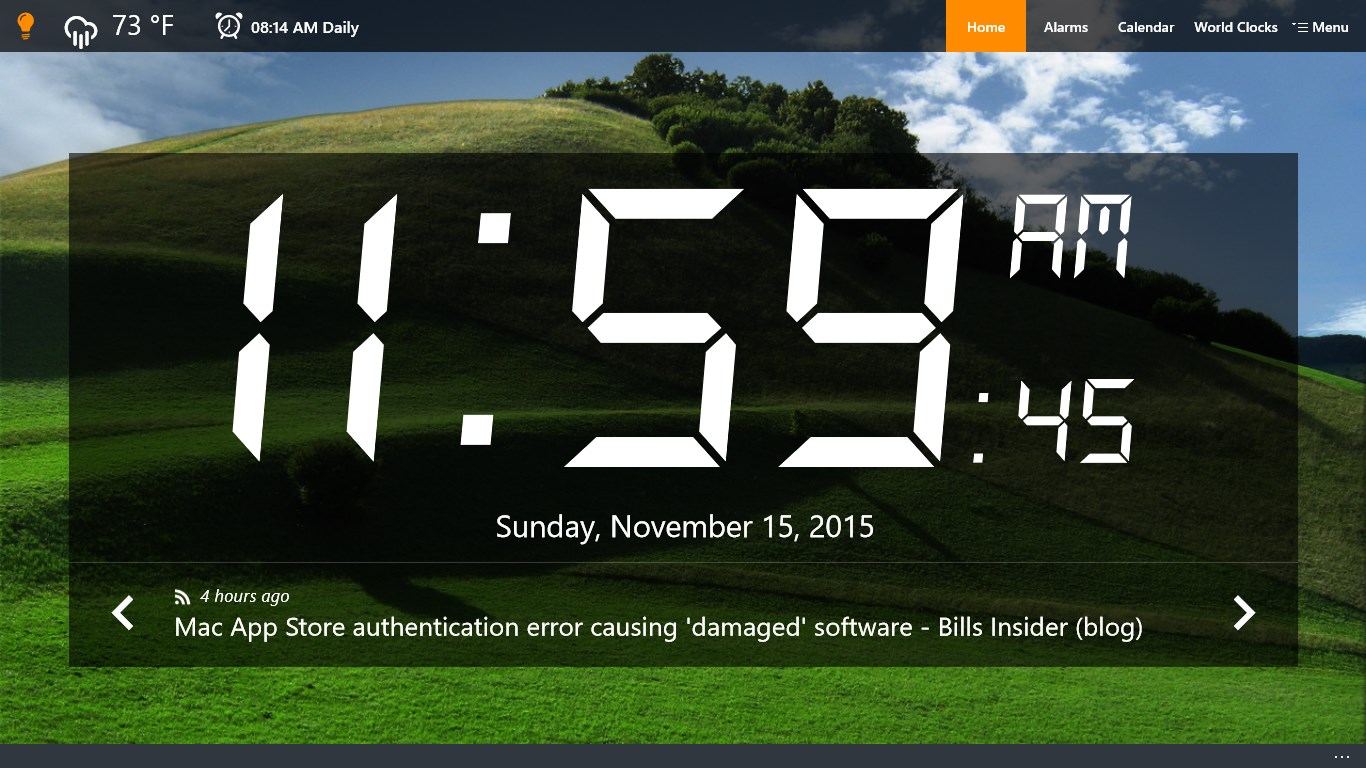
- Real-Time Information: View current weather conditions and read the latest updates via RSS feeds directly on your clock screen.
- Aesthetic Customization: Personalize the interface with high-definition background themes or upload your own images to match your room's decor.
- Smart Sensors: Utilize the room light sensor compatibility to automatically adjust display brightness for comfortable night viewing.
Who Is This Windows Utility For?
This software is ideal for professionals who keep their Windows devices near their beds or work desks. If you want to consolidate your morning tools—weather reports, news feeds, and music—into a single, elegant dashboard, this tool provides the exact customization you need to start your day productively.
Get Started with Your New Morning Routine
With its highly customizable interface and reliable performance, this application is a stellar choice for anyone looking to upgrade their daily wake-up experience. To explore its full range of features and see how it can streamline your mornings, head over to the official Microsoft Store to view the application today.
Rate the App
User Reviews













Popular Apps








Editor's Choice